
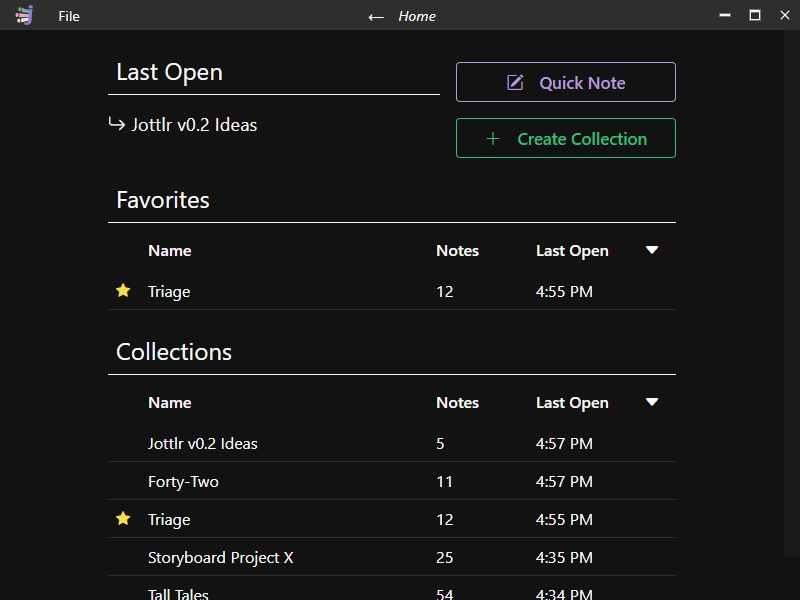
Why Jottlr?
I used to have the bad habit of writing down the ideas I had while working at the bottom of whatever file I was working on at that moment, whether it was a word document or a source code file.
There they would sit, never to be acknowledged again. Even if I did need to revisit those files for work purposes, I rarely scrolled down to where all my precious ideas were stored.
I made a weak attempt to fix the problem by making a master idea file, which I didn’t like, and then tried a few note-taking apps, which I also didn’t like. And so I found myself with an opportunity to make something for myself I might use every day.
Its job would be to sit idly in the background until those sudden moments of inspiration. Then I could quickly bring it to focus, enter my idea, and return to working without a second thought.
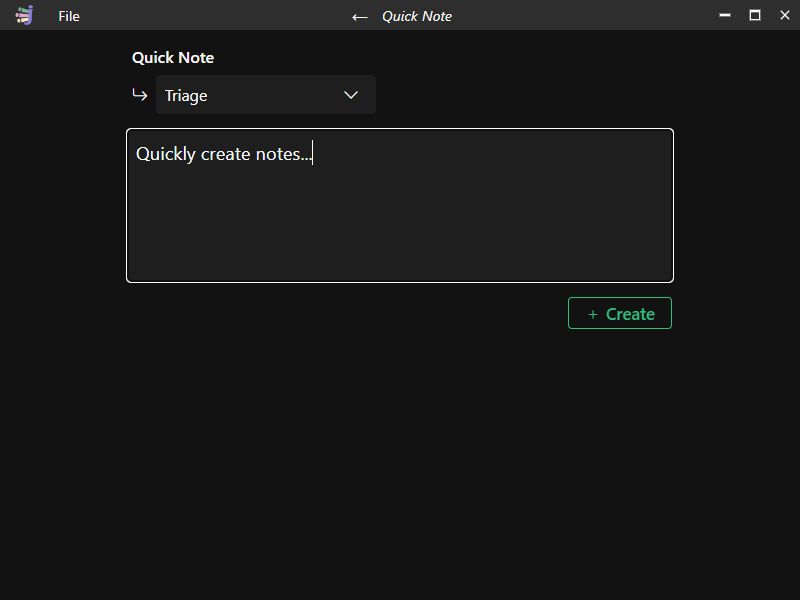
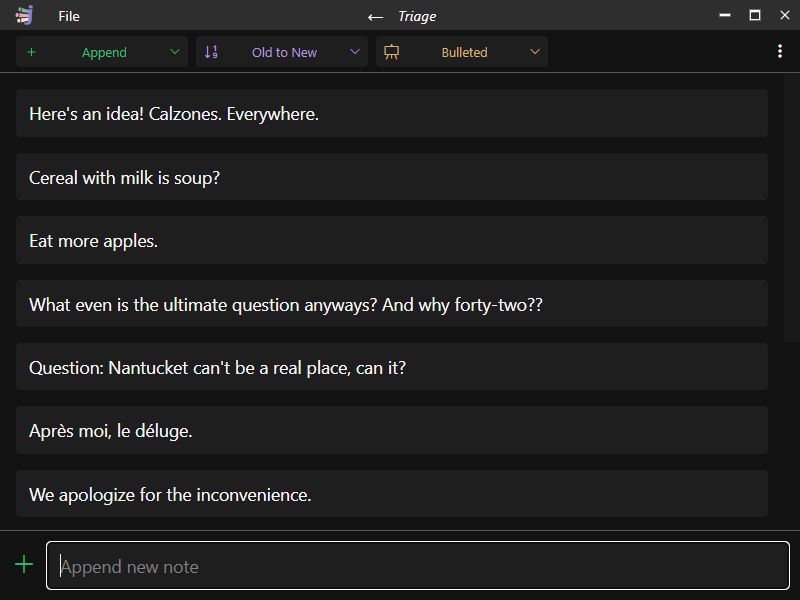
Later on, with the day’s work complete, I would return to the app and organize the day’s ideas into collections of like ideas. I realized an app that did all this would also be the perfect place to solve another irritating problem I had been having.
I love to make lists; for anything and everything. I had never liked any app I had ever tried for making lists, so I wanted to make an app that just made lists.
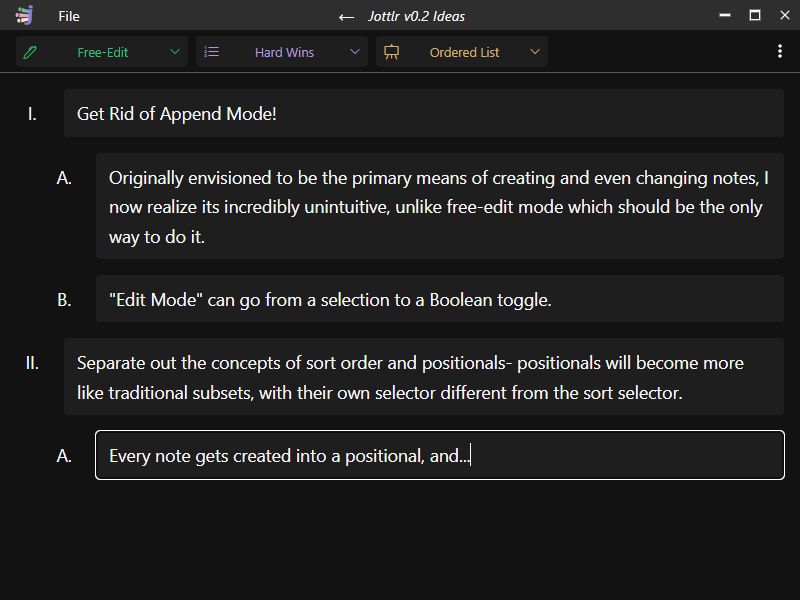
That’s why I set out to make an app that would let me quickly jot down ideas, organize those ideas into collections, and make those collections pretty lists (without fussing over formatting).
Want to try it?
Jottlr v0.1 demonstrates the bare minimum of functionality I want Jottlr to possess. In its present state, I use it purely to generate ideas for v0.2, which will be a complete product. Nonetheless, I have included an installer for Windows 10/11 (x86-64), which allows anyone to download, install, and use the app. However, there won’t be an upgrade path from v0.1 to v0.2.
You can build from source to try it on MacOS/Linux (I am trying to gain access to a Mac so I can build installers for it).
Download:
Windows 10/11 (x86-64)How I Made It
I chose to make Jottlr with the cross-platform framework Tauri; I had been unhappy with the performance and binary size of past projects I had made with Electron, wanted to use web tools/languages I was already comfortable with, and was interested in learning a little Rust along the way.
I chose SQLite for the “backend”; while Jottlr allows users to export their note collections as “.jottlr” files (portable and importable back into the app), I prefer the seamlessness of an app that saves everything you do without input, and have a particular fondness for the robustness of SQL and the power and simplicity of SQLite.
In Tauri, the front end runs on an OS-supplied web view. A thin layer of Rust code, almost like an API layer between the OS and the web code in the view, gives access to OS processes via an easily configured allow-list, which blocks everything by default for security. It is similar to how IPC happens in Electron (although I found Tauri’s approach far more intuitive and safer by default).
The front end is SvelteKit/Typescript. I chose SvelteKit because it has been my favorite web framework since trying it for the first time about a year ago. I find it does an excellent job of being like writing “vanilla” javascript, but with the things that make working with vanilla-js frustrating handled for you (things like reactivity and state management).
I chose Typescript because type safety is important, and I find it easier to work with, especially as code bases get large.
Jottlr’s underlying structure is simple. Its most atomic unit, the note, is equivalent to sentences and paragraphs. Notes are stored in collections. Collections possess any number of subsets called “positionals,” which store a note’s position along two axes (within the app, I think of them as index and tab count since tabbing is the default method for moving notes along the x-axis).
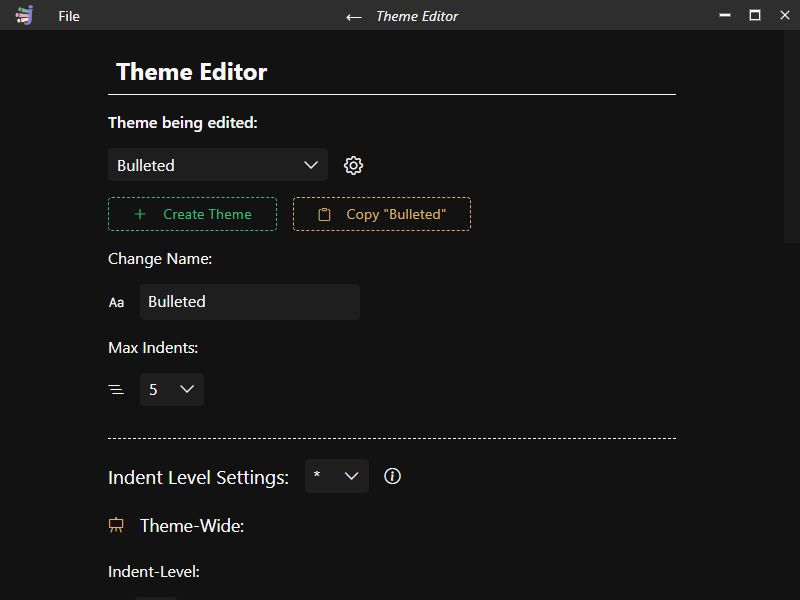
Themes determine how a list is displayed; any item in a positional can have a label or not, be ordered or unordered. Colors, font sizes, and many other style properties are fully customizable by the user, and users can create any number of custom themes.
That covers the basics; feel free to contact me for more exact information on how I made Jottlr!